 Year Cards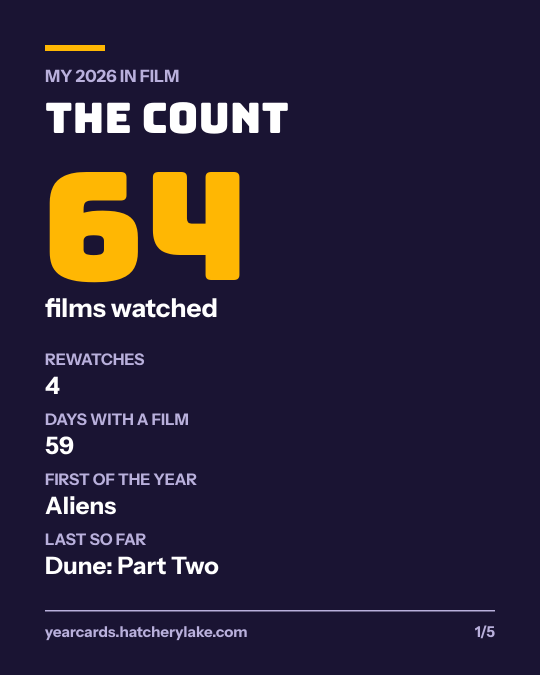
Letterboxd · Goodreads
Your year in film or books, as cards to post.
Drop your export. Get five cards now, not in January. Free, no login, no Pro.
- Your file never leaves your device.
- No account
- Instant
No file yet? Try a sample: ·
Your cards
Each card is a 1080 by 1350 PNG, the size Instagram, Threads and Bluesky show without cropping. On a phone, open the card and save the image.
Get your export in a minute
Letterboxd
- Open SettingsOn letterboxd.com, signed in, open Settings, then Data.
- Export your dataIt downloads a .zip file. Free accounts can export too.
- Drop the zip hereThe cards read your diary, so log watch dates to count a film.
Goodreads
- Open My BooksOn goodreads.com, open My Books and find Import and export.
- Export libraryWait for the link, then download the .csv file.
- Drop the CSV hereBooks count in the year of their date read.
What the cards show
Films
- The count, rewatches, first and last of the year
- Month by month
- Release decades
- Your ratings and top rated
- Your most-used tags or your watchlist
Books
- Books and pages, and the longest
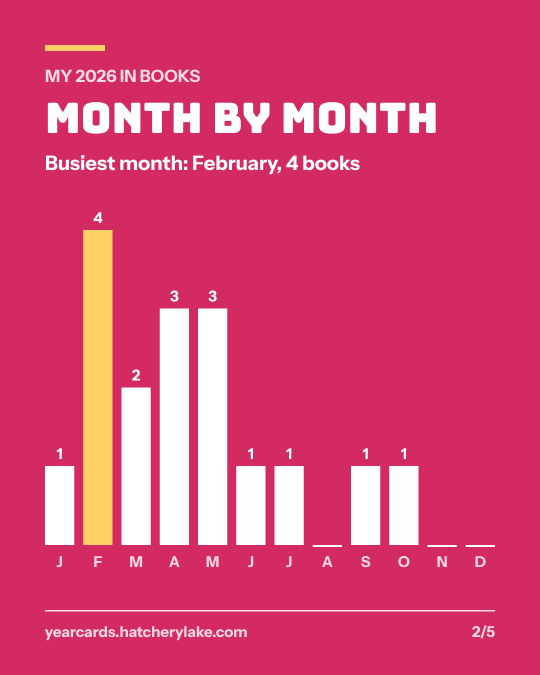
- Month by month
- Top authors
- Your ratings and top rated
- Your to-read pile
The cards use only what your export holds, so there are no genres or directors. Anything without a date or rating is counted and named under the cards, not guessed.
Guides
- Letterboxd Wrapped, now instead of in January
- Letterboxd stats without Pro
- Film Wrapped: your year in movies
- How to export your Letterboxd data
- Your Goodreads Year in Books, as cards
- Goodreads Wrapped in five cards
- Goodreads reading stats by year
- How many books did you read this year?
- A reading wrap-up template that fills itself in
- How to export your Goodreads library
Year Cards is not the official Letterboxd or Goodreads recap, and is not made by or affiliated with either. Letterboxd and Goodreads are trademarks of their owners.